Holiday App Download QR Codes: One Code for iPhone and Android on Black Friday Print
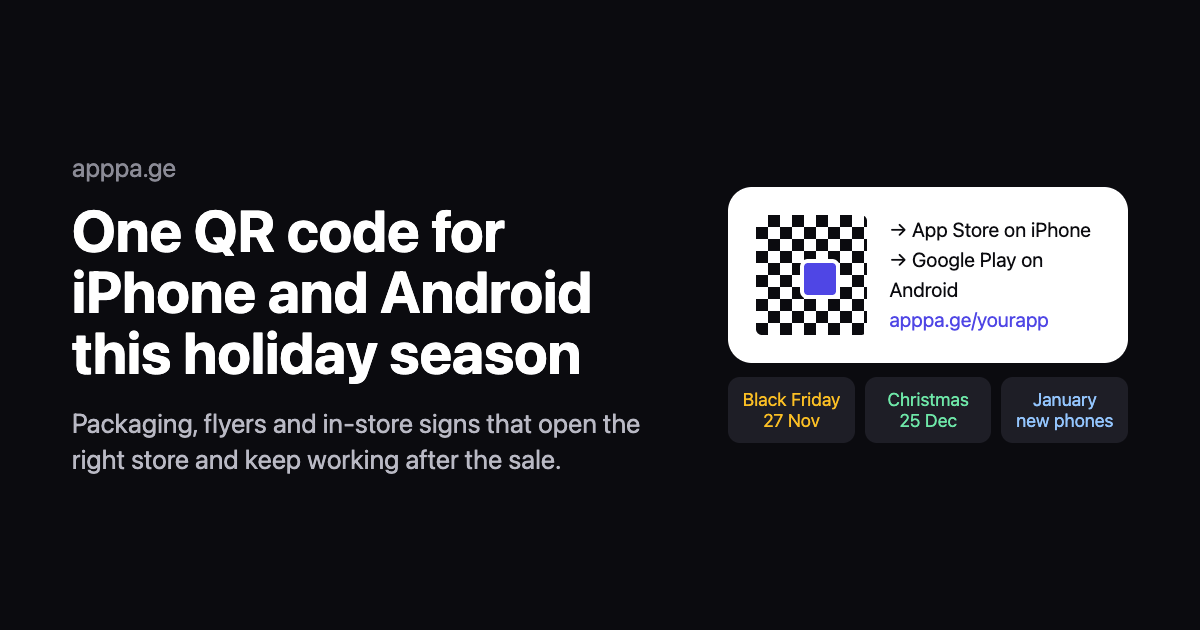
A QR code you print for the holidays has three jobs: open the right store on any phone, keep working after the sale ends, and tell you which placement worked. A plain QR code from a store URL only does the first job for half your customers. An App Store link scanned on Android opens an Apple web page with nothing to install, and a Google Play link does the same to iPhone owners.
Short answer: point one QR code at a smart link that sends iPhone users to the App Store and Android users to Google Play, print it with a clear margin at 2 cm or larger, and give each placement its own tagged link so you can compare scans. Because the code holds your link rather than a store URL, you can change where it goes after Black Friday without reprinting.
Disclosure: we make AppPage, which does the smart link and QR code part of this. The article says where a free static code is enough and where AppPage is not the right tool.
Holiday dates for 2026
| Date | Event | What to have ready |
|---|---|---|
| Now to 20 November | Print deadline for most Black Friday runs | Final artwork with the QR code, proof scanned on real phones |
| 27 November | Black Friday | Code pointing at your Black Friday offer or listing |
| 30 November | Cyber Monday | Swap the destination if the offer changes |
| 25 December | Christmas | New phones get set up from Christmas Day into January |
| January | New year | Point the code back at the plain store listing |
Installs do not stop on 25 December. People unwrap new phones and set them up through the following week, so packaging and inserts that ship in December keep getting scanned into January. That is why the code on them should be one you can update.
Where an app download QR code works this season
- Product packaging and inserts. The highest-intent placement: the customer already bought from you. Pair the code with a reason to install, such as order tracking, warranty registration or a reorder discount.
- Receipts and shopping bags. Cheap to add, and they go home with the customer.
- In-store signs and shelf talkers. Larger code, short line of text, and a reason that works in the queue, such as an app-only deal.
- Flyers, posters and direct mail. Size the code for the distance people will stand from it.
- Gift cards and gift guides. A code that installs the app where the gift card is redeemed.
- Event and pop-up materials. Holiday markets and launch events, where people scan on the spot.
Static or dynamic: which code to print
| Static code to a store URL | Dynamic code to a smart link | |
|---|---|---|
| Reaches | One store only | App Store on iPhone and iPad, Google Play on Android, a landing page on desktop |
| Change destination after printing | No | Yes |
| Scan analytics | No | Yes, by platform, country and source |
| Can stop working | Only if the listing is removed | If the link service switches it off, so use one you pay for |
| Cost | Free | From $5/month on AppPage |
| Best for | Single-platform apps, or a code that is printed once and never changed | Campaigns, packaging, anything that has to reach both stores |
If your app is only on one store, a static code is fine. Make one free with the App Store QR code generator, which encodes the store URL directly, so it never expires and needs no account.
How to set up one QR code for both stores
- Create a smart link for your app. In AppPage, paste your App Store or Google Play listing. It builds a link like
apppa.ge/yourappthat sends each visitor to the right store, plus a landing page for desktop visitors. - Download the QR code. The QR Code page in the dashboard makes a code for that link with your app icon in the middle, as PNG for screens and SVG for print.
- Make one tagged link per placement if you want to compare them. Add a source to the end of the link, such as
apppa.ge/yourapp?utm_source=packagingor?utm_source=flyer, and make a separate code for each. Scans then show up by source in the link's analytics. - Print a proof and scan it. On an old iPhone, a new iPhone and an Android phone, from the distance people will really stand.
- Update the destination as the season moves. Point the link at your Black Friday offer, then your Christmas page, then back to the listing in January. The printed code does not change.
One plan detail matters for print. AppPage's Free plan includes 50 link clicks in total, and the link stops redirecting after that, which is fine for trying it out and not enough for anything printed. Use a paid plan, from $5/month with unlimited clicks, before the code goes on packaging or posters.
Print rules that stop a QR code failing
- Size. At least 2 cm across at arm's length. Further away, make it about a tenth of the scanning distance: 20 cm wide for a sign read from 2 metres.
- Quiet zone. Leave a clear margin on all four sides. Cropping tight to the pattern is the most common reason a code that worked on screen fails on paper.
- Contrast. Dark modules on a light background. Inverted and low-contrast codes read on some phones and not others, which is worse than failing outright because nobody notices.
- Finish. Gloss lamination throws glare back at the camera under shop lights. Matte is safer.
- Vector for print. Use the SVG for anything bigger than a business card. A scaled-up PNG gets soft edges that scanners struggle with in poor light.
- A line of text. "Scan to get the app" plus the reason, such as "20% off your first order in the app". A code with no reason gets ignored.
What a scan count can and cannot tell you
A scan is a click on your link, not an install. Link analytics show how many people scanned each placement, on which platform and from which country, which is enough to see whether your packaging out-scans your flyers. They cannot see whether that person then installed, because the install happens inside the App Store or Google Play.
If you need installs per placement, you need an attribution SDK in the app, such as AppsFlyer, Adjust, Branch or Singular, which is a much bigger setup. For most holiday print campaigns, comparing scans per placement answers the question that matters: which placement to print more of next year.
Checklist before you send artwork to print
- The code points at a link that reaches both stores, or the app is only on one store.
- The link is on a plan that will not stop redirecting mid-campaign.
- Each placement has its own tagged code if you want to compare them.
- The code is at least 2 cm wide with a clear margin, dark on light, SVG for print.
- There is a line of text with a reason to scan.
- The printed proof scans on an old iPhone, a new iPhone and an Android phone.
- Someone owns changing the destination after Black Friday, after Christmas and in January.
Ready to print? Create your app link and QR code, or make a free single-store code with the App Store QR code generator.
Frequently asked questions
Can one QR code send iPhone users to the App Store and Android users to Google Play?
Yes, but not by itself. A QR code holds one URL and cannot tell which phone scanned it. Point the code at a smart link that checks the device when it opens and forwards iPhone and iPad users to the App Store, Android users to Google Play, and desktop visitors to a landing page with both badges.
Should a holiday QR code be static or dynamic?
Use a dynamic code for anything printed for a campaign. A static code holds the store URL itself and can never be changed. A dynamic code points at a link you control, so the same printed code can lead to a Black Friday offer, then a Christmas page, then the plain listing in January, without reprinting.
How big should a QR code be on packaging or a flyer?
At least 2 cm (about 0.8 inches) across for something held at arm's length, and roughly a tenth of the scanning distance for anything further away, so about 20 cm for a sign read from 2 metres. Keep a clear margin on all four sides, print dark on light, and test the printed proof on an old and a new phone.
How do I track which QR code placement drove installs?
Give each placement its own tagged link, such as your smart link with ?utm_source=packaging on one code and ?utm_source=flyer on another, and compare scans per source in your link analytics. Scans are clicks, not installs. For install attribution per placement you need an attribution SDK in the app.
Will a free QR code stop working after the holidays?
It can. Many free generators make dynamic codes that redirect through their own short domain, then switch the redirect off when a trial or scan quota runs out, and every printed copy dies at once. A static code to a store URL never expires but only reaches one store. Run printed dynamic codes on a service you pay for.
When should I print QR codes for Black Friday and Christmas 2026?
Black Friday is 27 November 2026, Cyber Monday is 30 November and Christmas is 25 December. Printers and packaging runs usually need one to two weeks, so lock the artwork early. With a dynamic code you can print now and set the destination later, which is the main reason to use one.
Keep reading
Google Play Account Deletion URL: What the Page Needs and How to Get One Without a Website
What Google Play's account deletion URL page must show, a template to paste, and how to host it free if your app has no website.
Google Play Trader Status: What to Declare and Where to Get a Terms of Service Link
Every Google Play developer must declare trader status by 1 February 2027, and traders need a terms of service link for each app. What to declare, what Play shows, and where to host terms without a website.